Feed management
Feed management for retailer templates and APIs
Prepare central product information for your retail partners. Use configured mappings to create retailer files or send data through supported interfaces, then check the result at the destination.
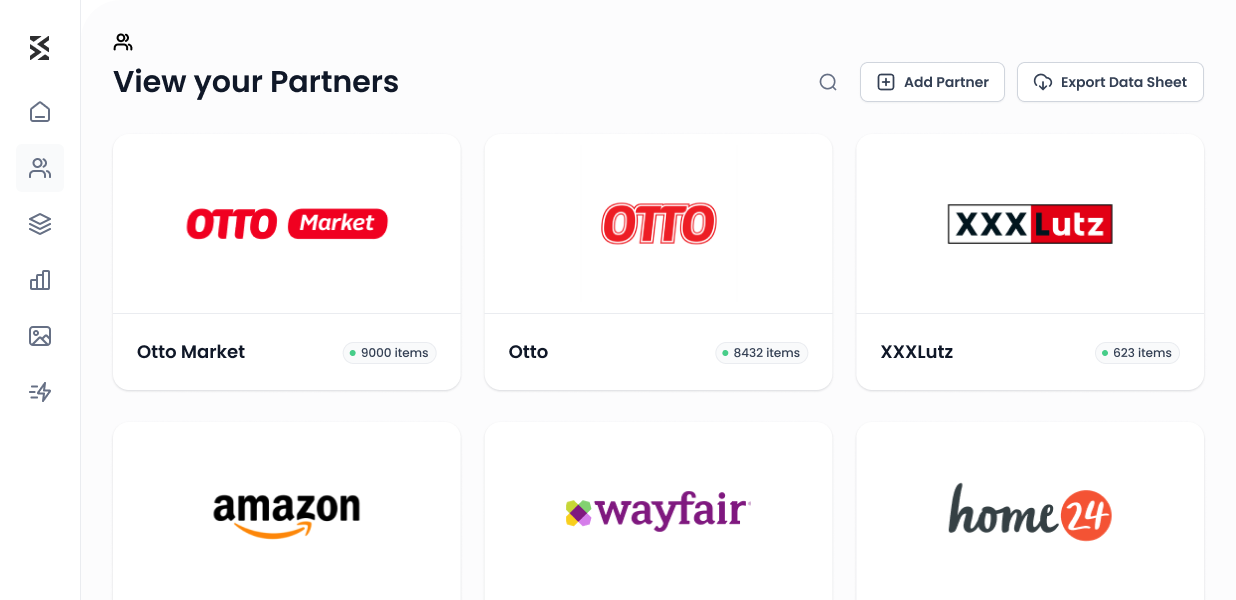
Trusted by leading Home & Living teams










From product record to partner output
Reduce recurring manual work
Reuse approved mappings for more products. Attributes, fixed values and value lists represent the partner requirements.
Use the right delivery method
Create a file for a template partner or use a configured direct connection. Agree the supported scope for each integration.
Check results and correct causes
Review processing information and the data accepted by the retailer. Correct recurring causes in your product records or mapping.
Prepare, transfer and check product information
PRODUCT SELECTION
Start with a representative sample
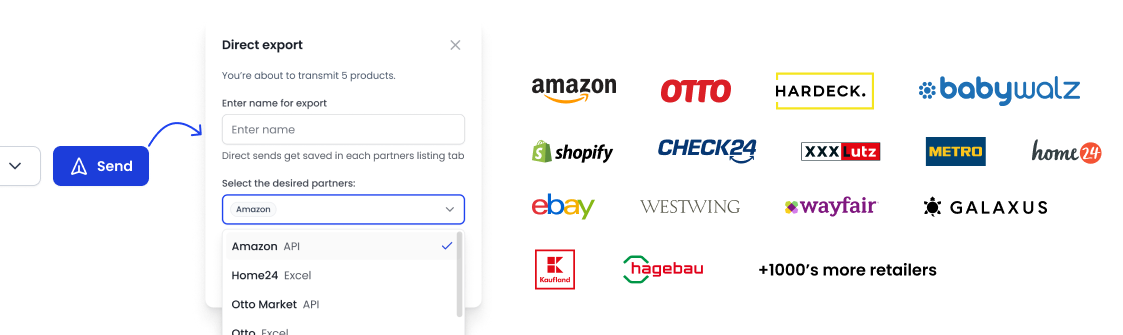
Test individual items, variants and sets where relevant. Check the configured mappings across different cases before adding the rest of your assortment.
MAPPING
Map attributes to the destination format
Map source attributes, fixed values and value lists. Text combinations and configured multiplier mappings support preparation for the particular partner.
Understand retailer templates and mapping →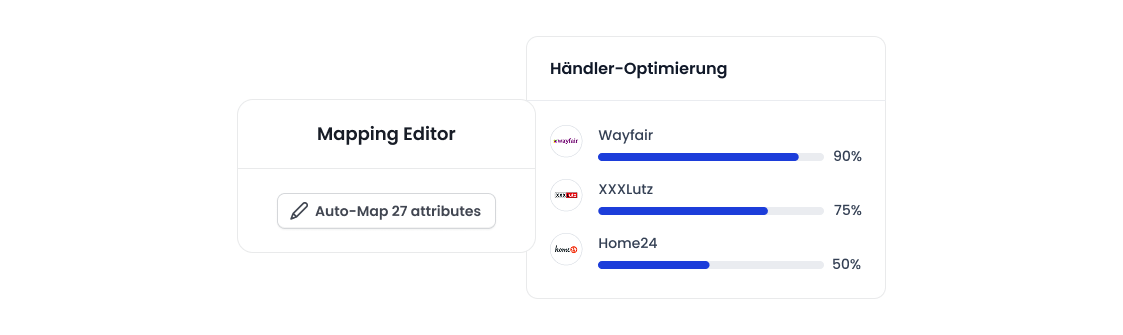
CONTENT AND OFFERS
Assign responsibility for each data type
Define the source and delivery scope for product content, media, prices and stock separately. Support and update processes depend on the partner and configured setup.
FILES AND CONNECTIONS
Use the configured delivery method
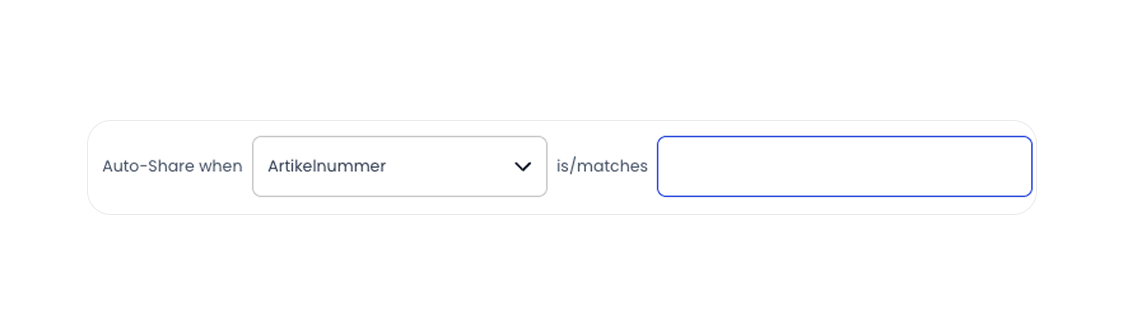
For template partners, download the generated file and submit it to the retailer. Connected partners receive data directly within the scope of the configured integration.
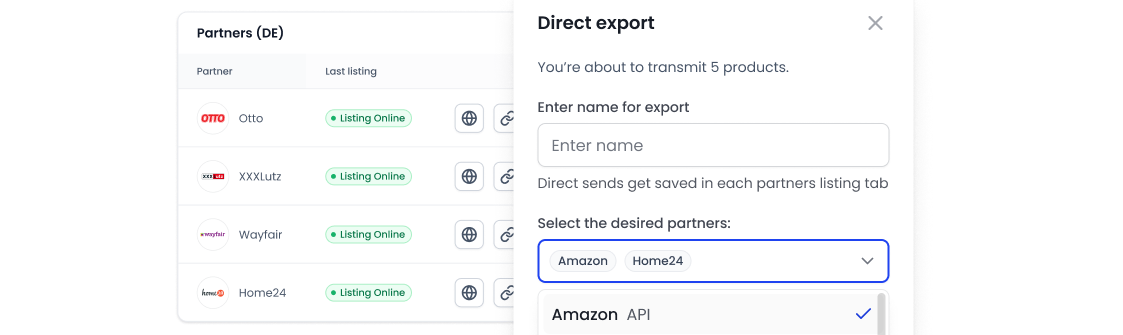
PARTNER CONNECTIONS
Prepare more channels from the same catalog
Check account access, category and requirements when adding a channel. Your product record remains the foundation; configure the corresponding partner mapping for the output.
Explore retailer connections →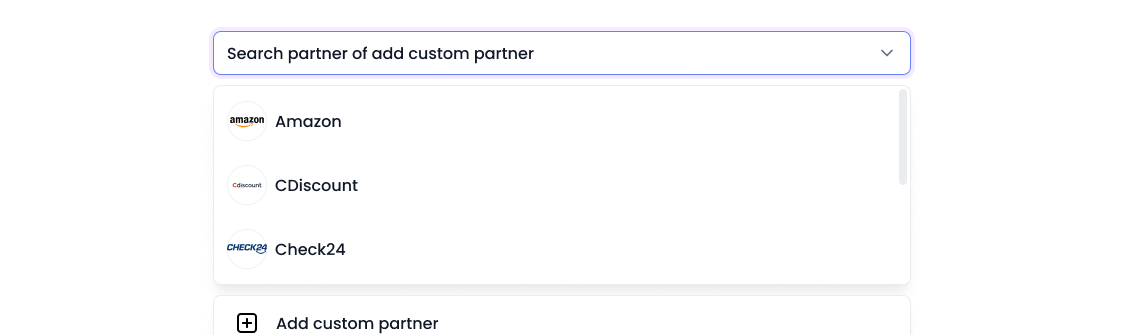
CHECK AND CORRECT
Follow the result through to publication
A generated file or accepted request does not confirm publication. Review processing feedback and the actual product information at the retailer before extending the rollout.
Prepare a repeatable test output →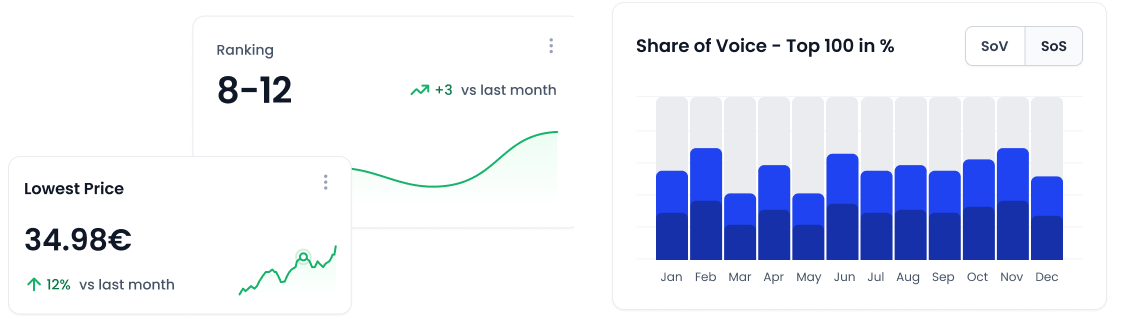
Testimonials
Don’t take our word for it. See what our clients say.
shopvibes was a game changer for us. International expansion seemed like a big challenge at first, but with the intuitive platform we were able to manage and internationalize our product data effortlessly. The translation tools alone have saved us countless hours of work.
Maria Anglès
Head of eCommerce, Möbel StyleWorking with shopvibes has made our listing process easier, more flexible, faster and of higher quality.
Kenney Beetz
Business Administration Manager, Hanse Home Collectionshopvibes supports us in continuously optimizing our product data and thus provide our partners with better product data more quickly. The team responds quickly to our requirements.
Alexander Koch
Sales Manager, Wolf MöbelOur partners sell our products in a wide variety of container sizes - with shopvibes we record these correctly and evaluate them very easily.
Franziska
eCommerce Specialist, H. von GimbornWith shopvibes, we were able to easily scale our OTTO products to other platforms. The bulk-editing functions saved us a lot of time and manual work.

Rafi Ablahad
Owner, Halmon Bettenshopvibes provides exceptionally innovative solutions to make our business processes efficient - it saves us tremendous time and effort.
Rosemarie Grimm
Internal Sales Manager Kids, finoriAn article is entered once with all its data and can then be easily and conveniently transferred to all the desired portals.
luma-home Team
luma-homeThe breadth of analytics insights we can collect with shopvibes is very useful - and we enjoy the team’s co-development approach.
eCommerce Team
ZafferanoA PIM that can simply list products. Check out our integrations.
Ready to get started? Book your personal demo now.
See shopvibes on your own catalogue and start listing across every channel from one place.