
In a nutshell
- Customer: Hanse Home Collection GmbH, a supplier of carpets and home textiles.
- Starting point: Product listings involved many separate spreadsheets and different partner requirements.
- Solution: Shared product maintenance in shopvibes and preparation for configured file or API outputs.
- Reported outcome: Less duplicate work and faster preparation of new listings.
About Hanse Home Collection
Hanse Home Collection distributes carpets and home textiles through online retail partners. The published customer story names Wayfair, Amazon, OTTO and home24 among its channels. They have different requirements for product attributes, images and text. Their mention in the story is not a current list of countries or programmes.
The starting point: a new file for every partner
Before central preparation, the team worked with many separate Excel spreadsheets. Changes needed to be maintained repeatedly; inconsistent information prompted questions and made preparation for new partners harder. The bottleneck was therefore not simply transferring a file, but repeating work on the underlying information.
The solution: maintain product information together
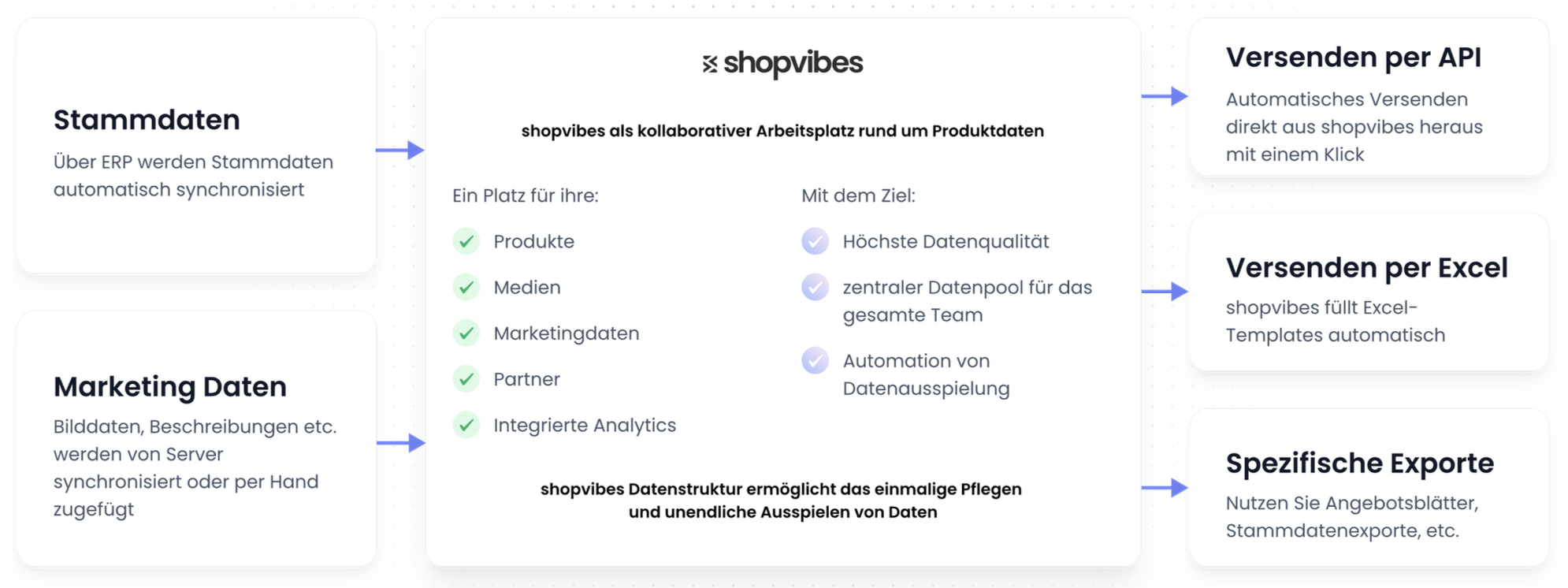
Hanse Home brings its product information together in shopvibes. Attributes, text and media are prepared from a shared source for each partner's output. Depending on the configured process, suitable files are generated or supported API connections are used.
The customer story describes different formats, including CSV, Excel templates and offer sheets. This flexibility allows preparation for partners with different ways of working. It does not mean every partner receives identical data or that every file is published automatically by a retailer.
The data flow can be followed as: shared product maintenance → partner field assignments → generated file or configured connection → partner feedback and checks. A correction in the product record can then be reused for the relevant outputs instead of editing several independently maintained spreadsheets.
The outcome in the reported project
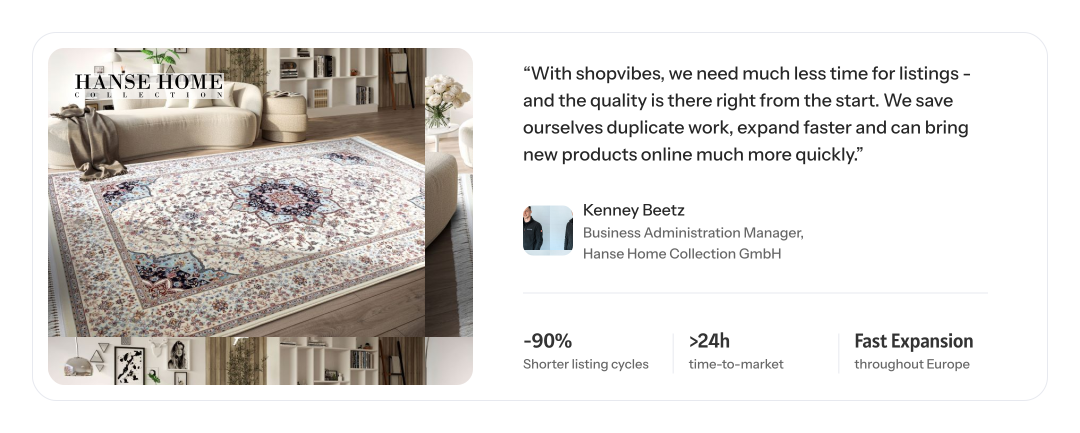
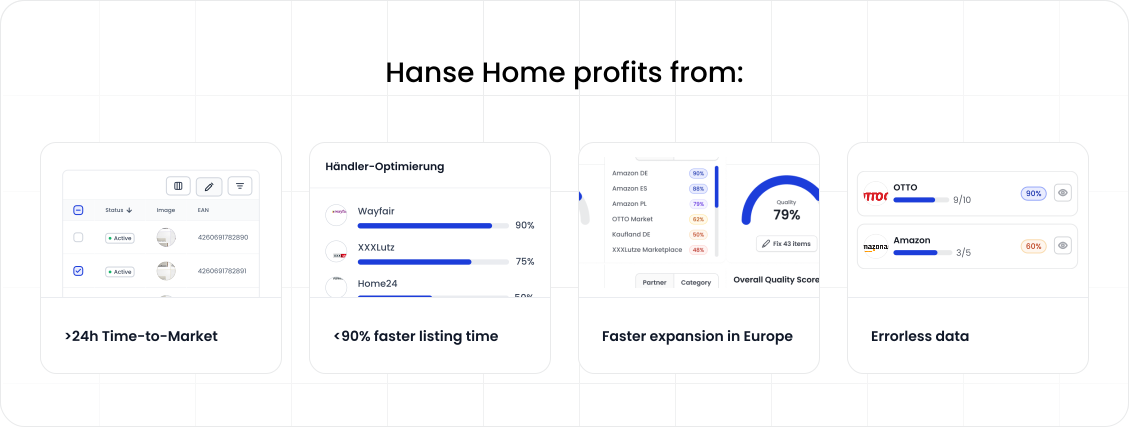
The existing customer publication reports substantially shorter listing cycles and more capacity for new partners and markets. In the existing quote, Kenney Beetz particularly describes the duplicate work avoided and faster preparation of new products.
The time figures published in the original story refer to this customer's project. They do not establish a general deadline for setup, retailer approval or publication. Planning your own project requires considering data scope, initial quality, partner requirements and approvals together.
What transfers to other ranges
Start with one product that has several configurations or images. Compare its data with two current partner templates. This makes clear which details can be maintained together and which output needs its own values or image order.
The template guide explains source-to-target field assignments. The variant images and retailer image order guide provides media checks. The furniture and home living solution connects these tasks with product properties and partner processes.
Your next step
Bring a product family and two different partner files to a demo. We can discuss which maintenance tasks can be shared and how to prepare a test output.